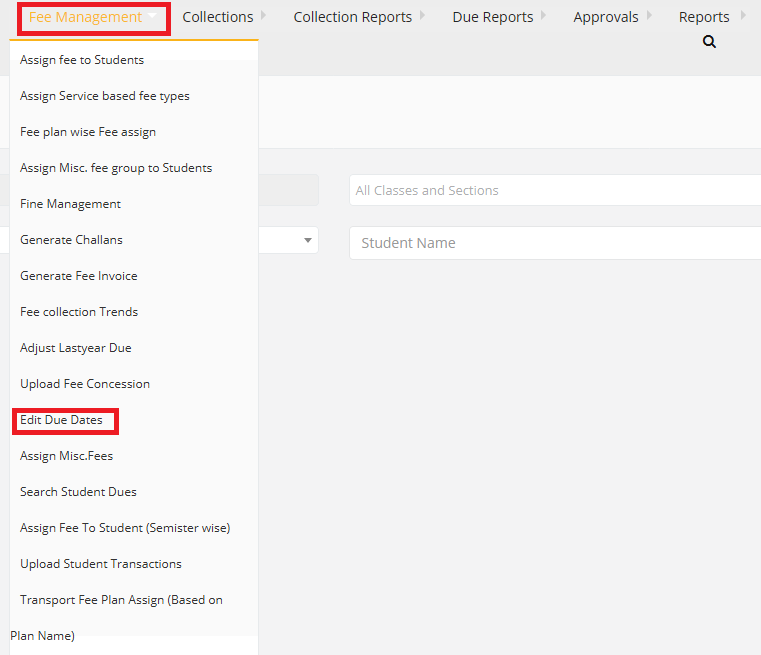
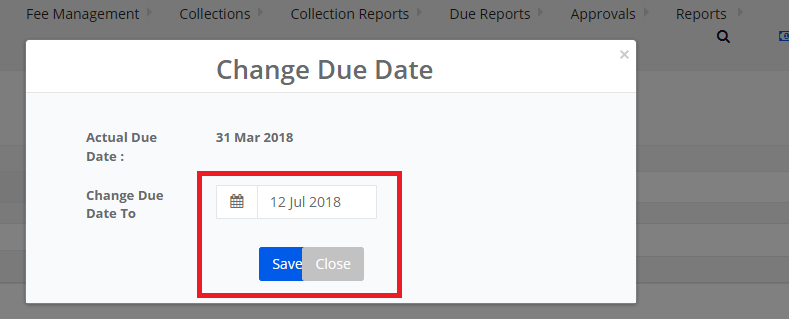
Step 1: Login to MCB with Login Credentials.
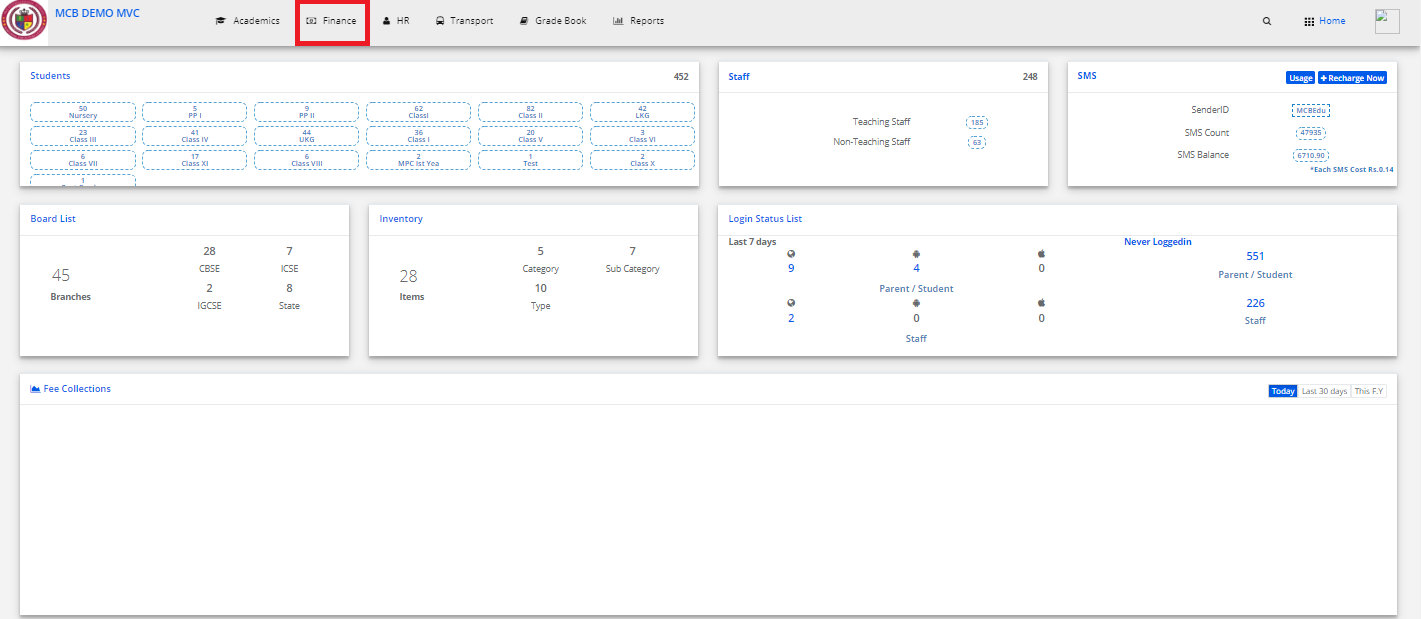
Step 2: Select Finance on the dashboard and you will be directed to the Finance page.
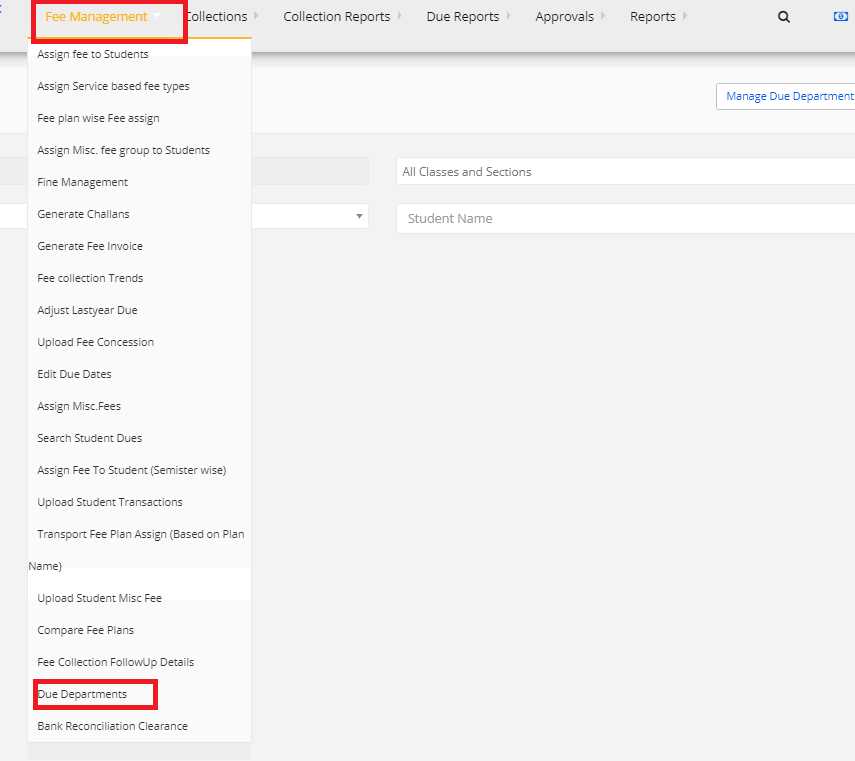
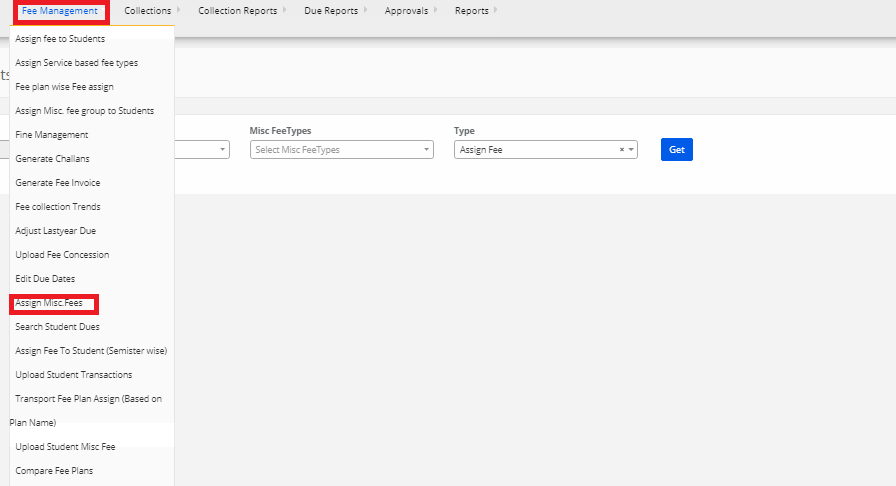
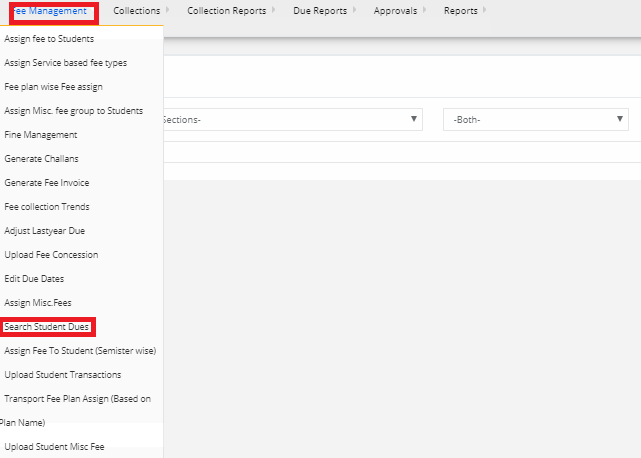
Step 3: In fee management go to Due department.
Step 4: Select the class and search the student and click on search.
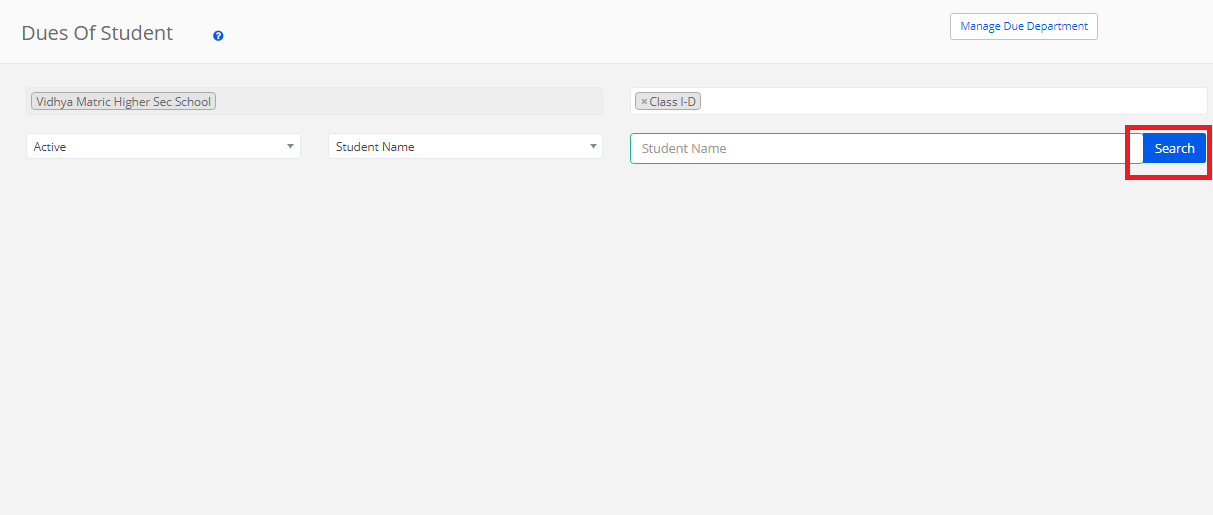
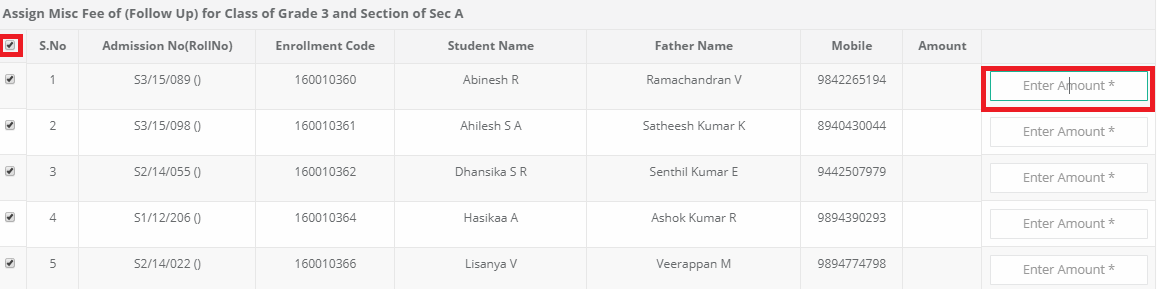
Step 5: Tick the check box and click on “assign” option.

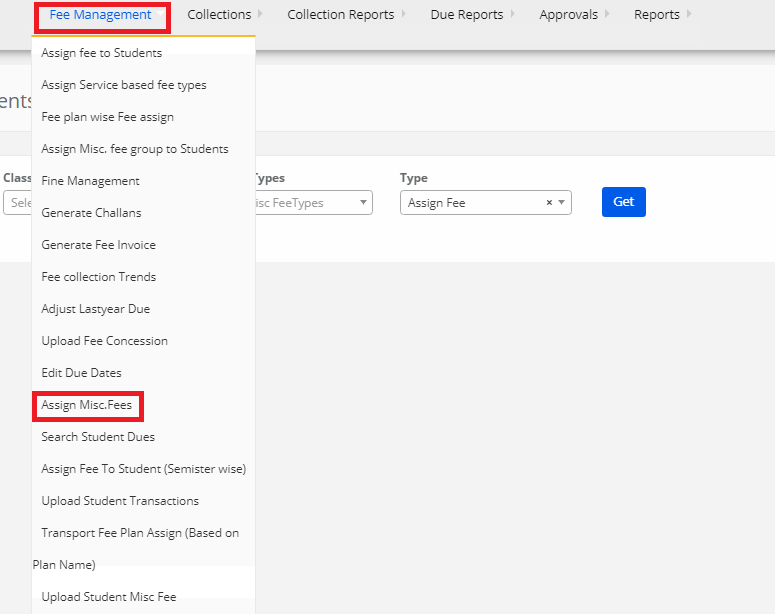
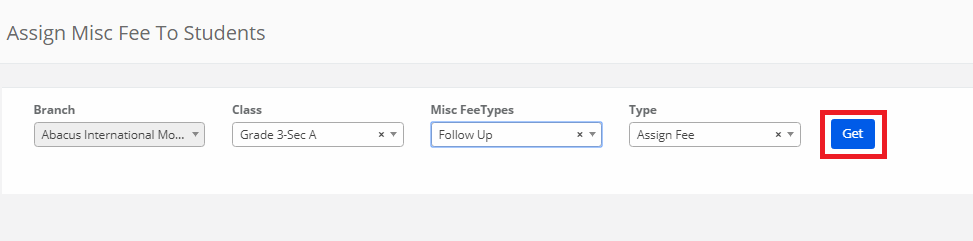


-step-3.png)
-step-4.png)
-step-5.png)