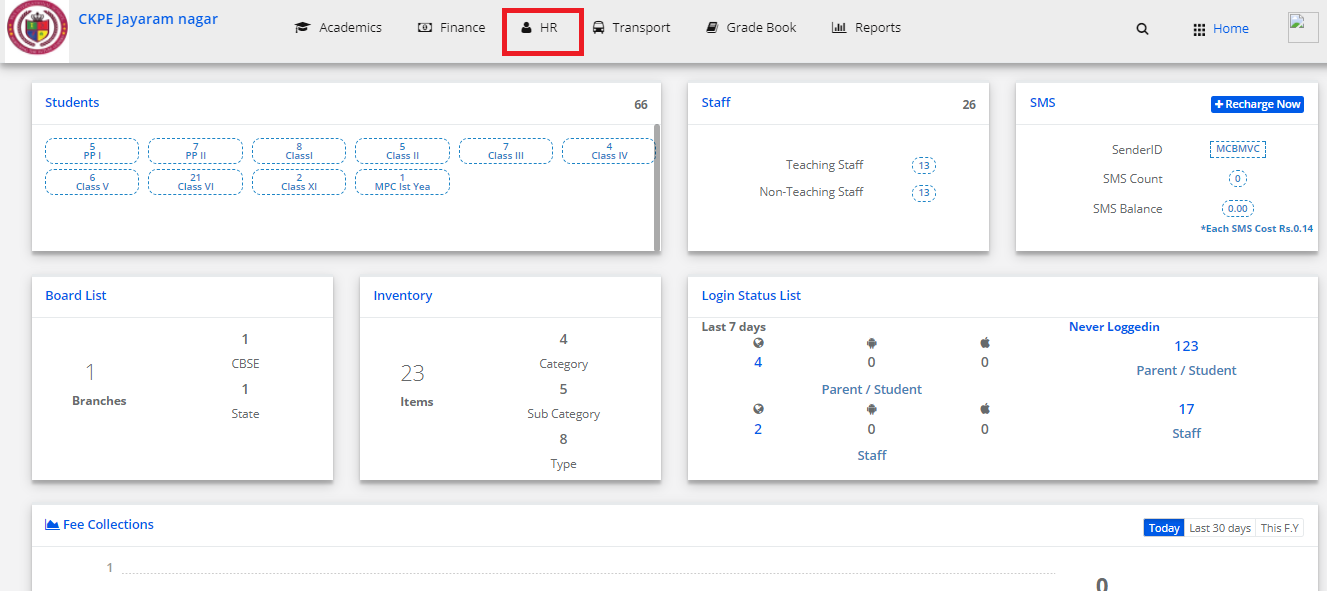
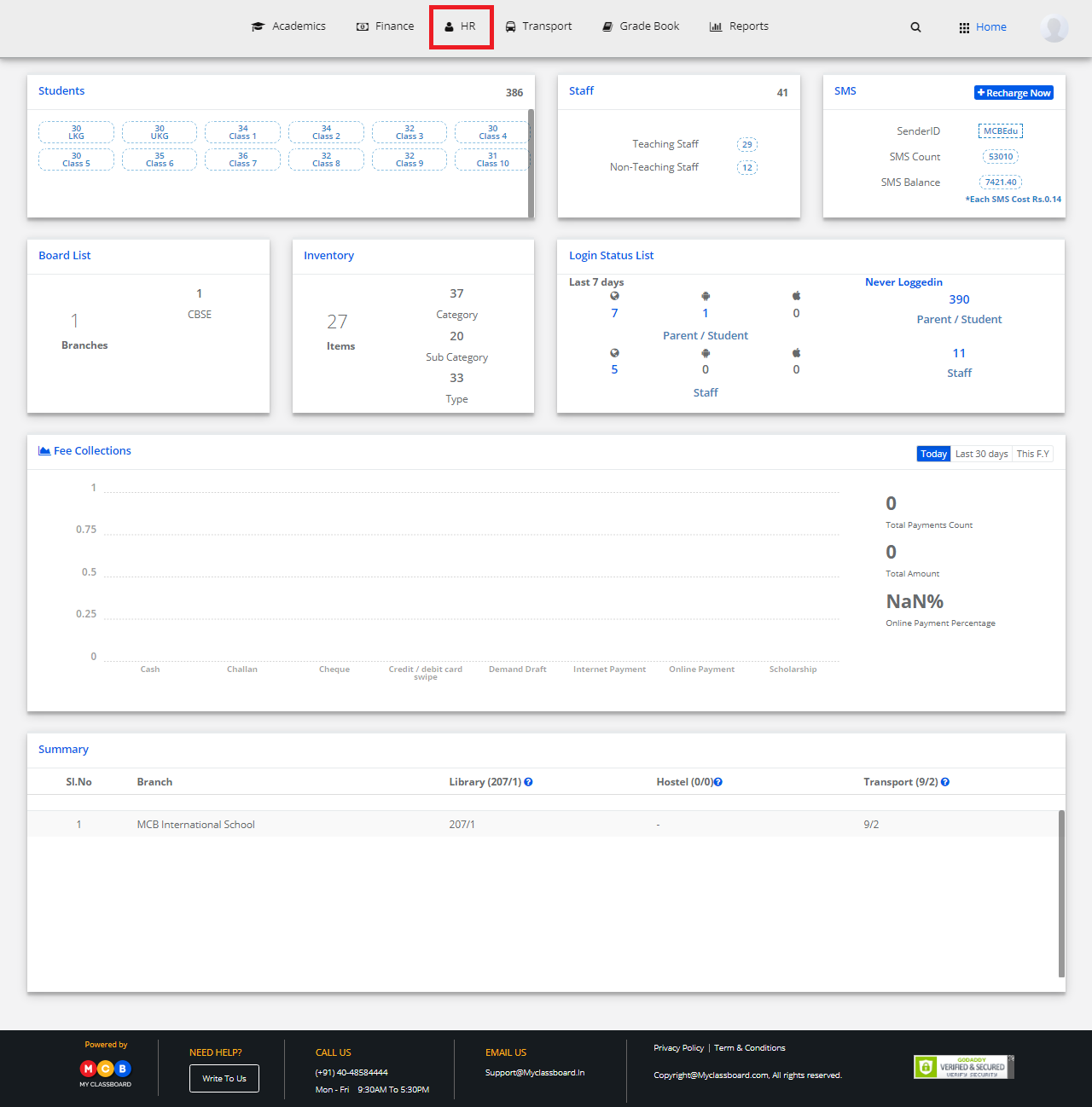
Step 1: Login to MCB with System admin-level logins.
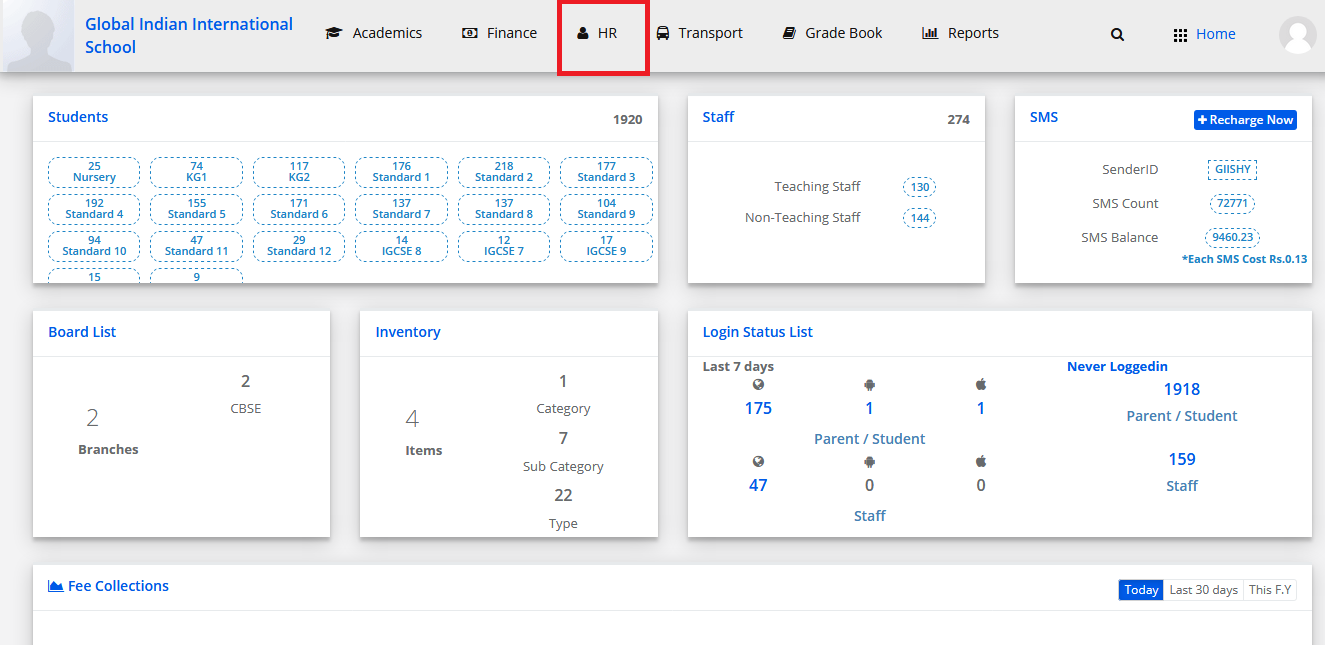
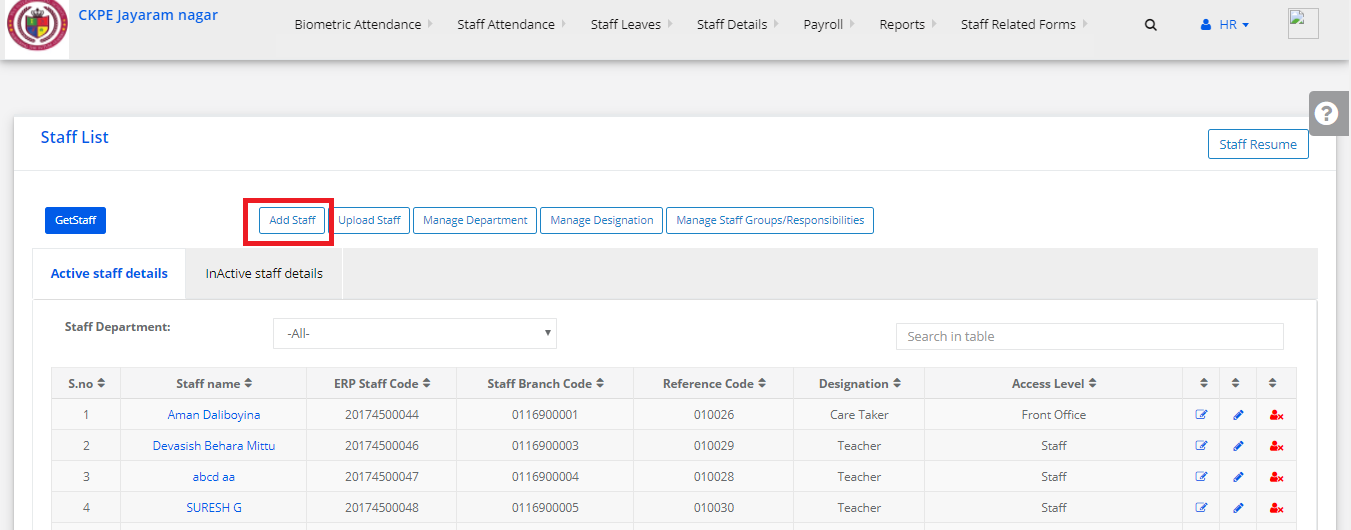
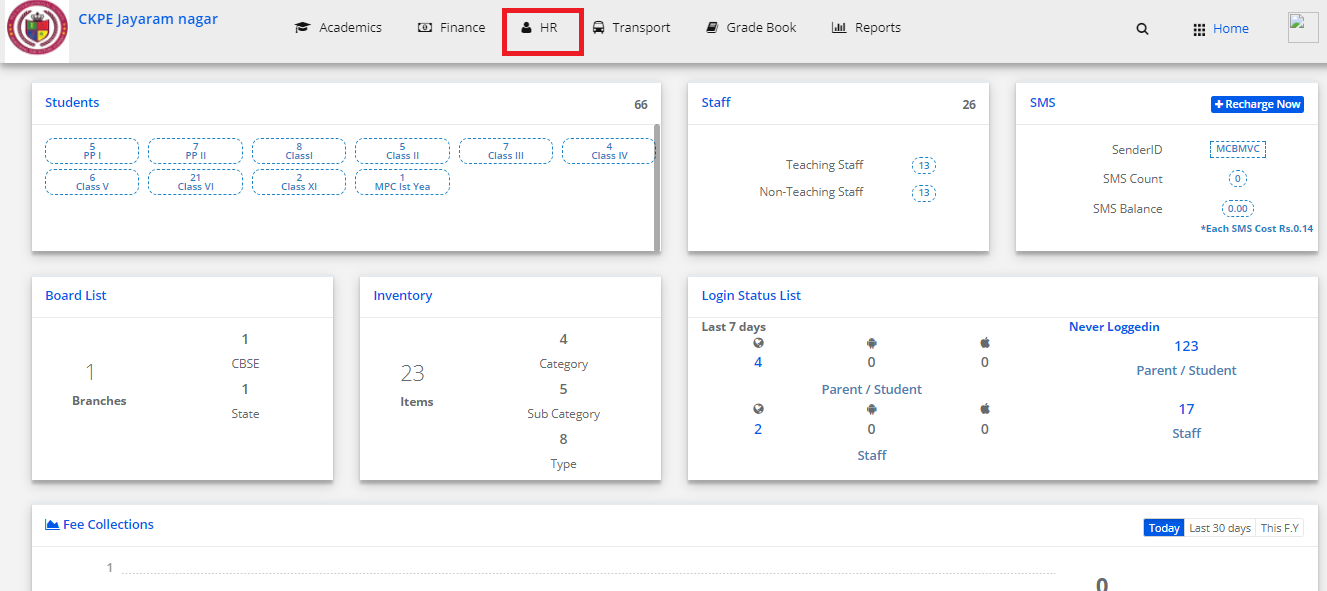
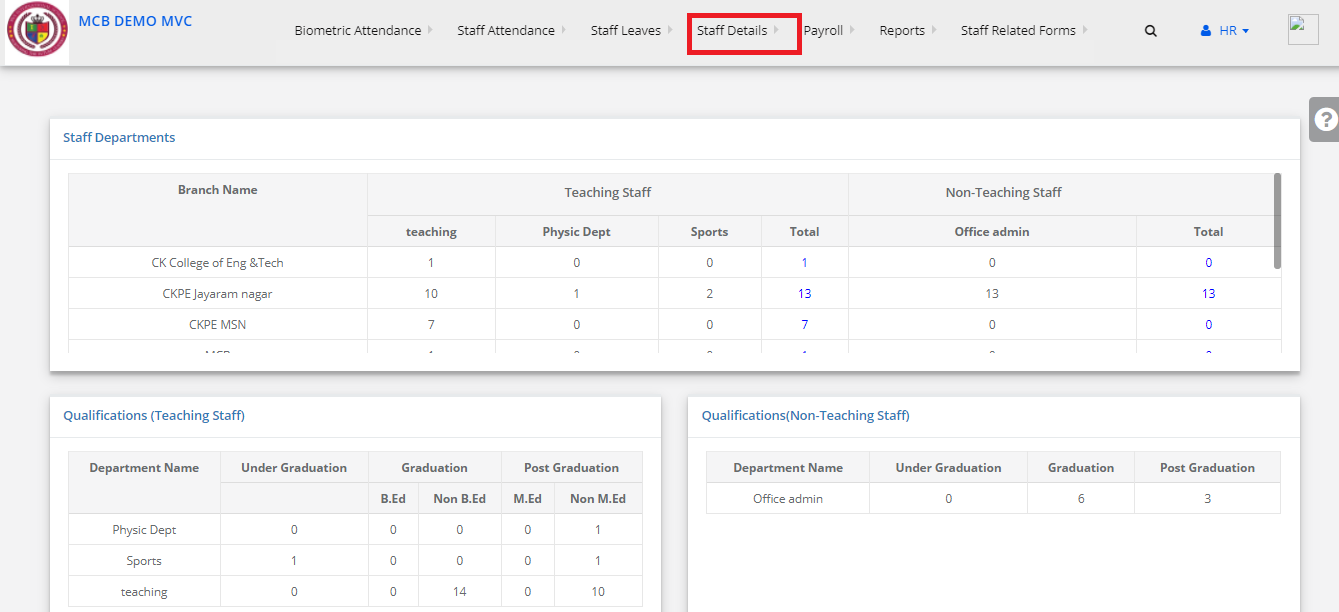
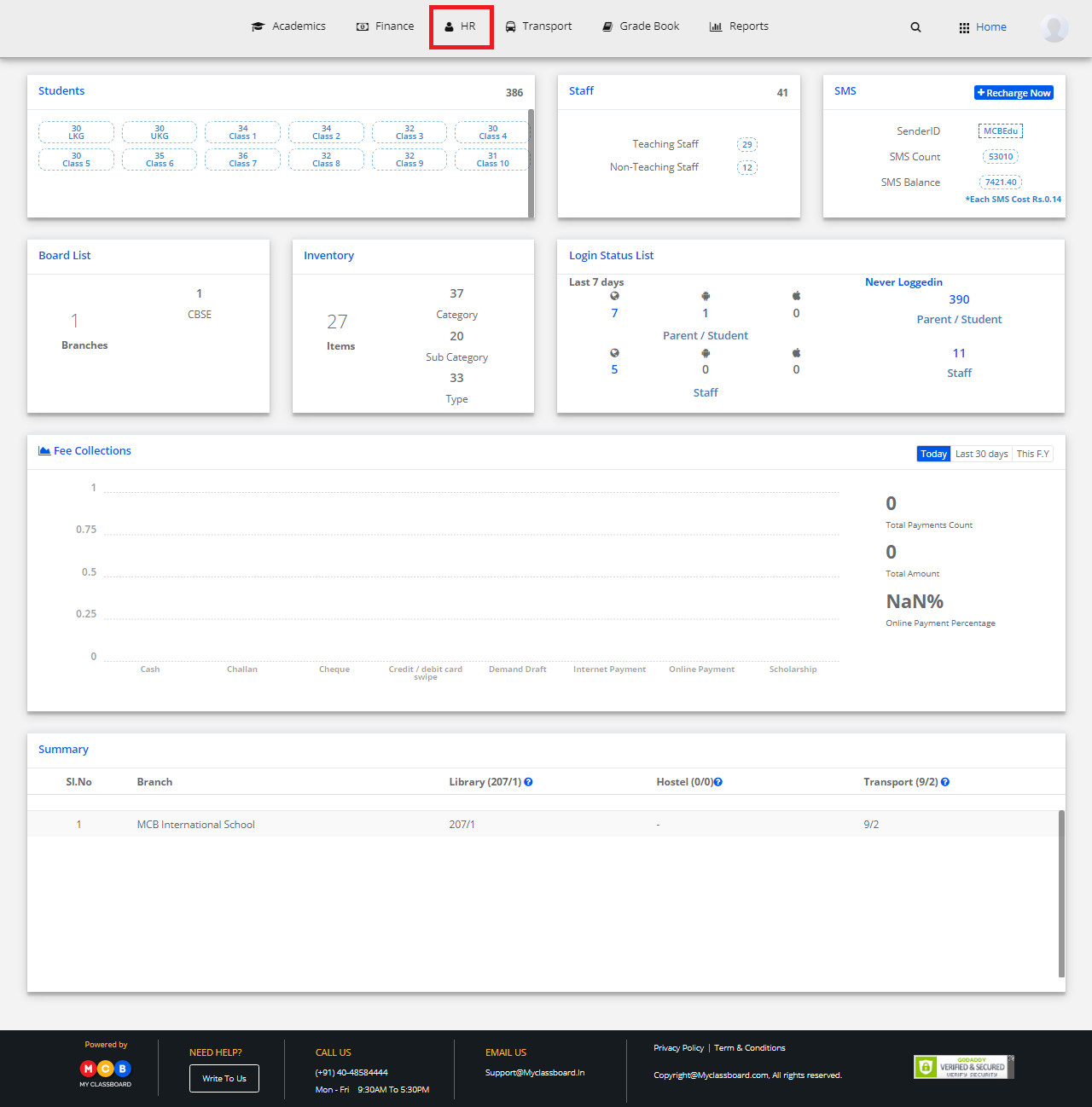
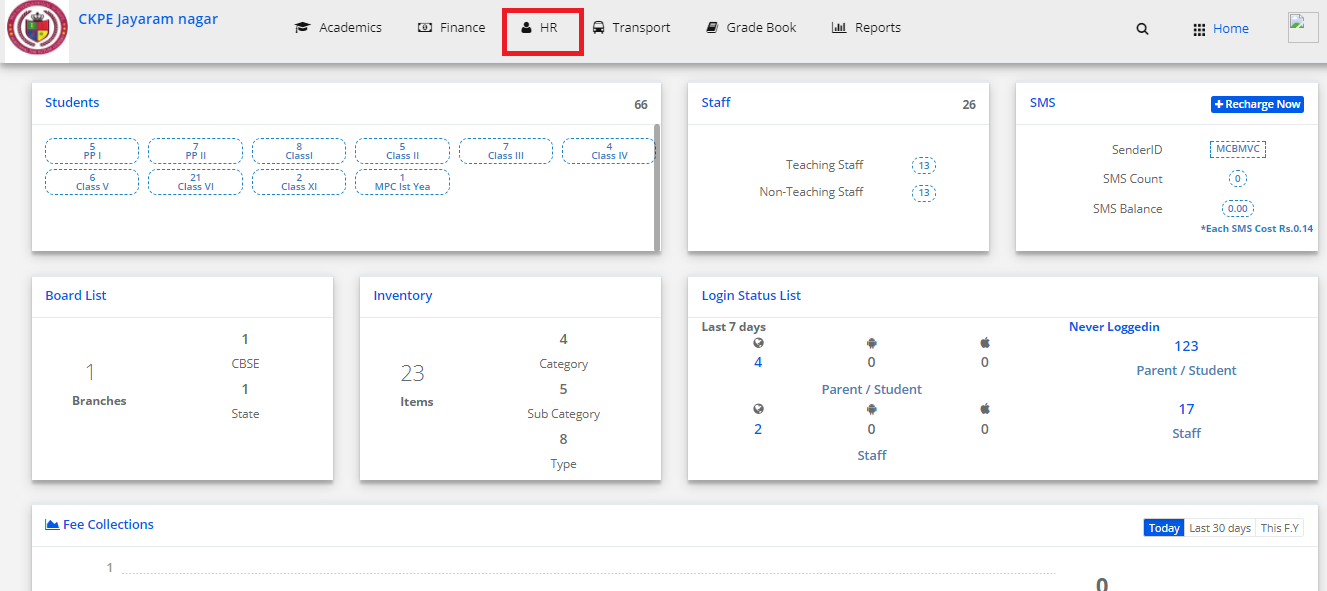
Step 2: Click on HR
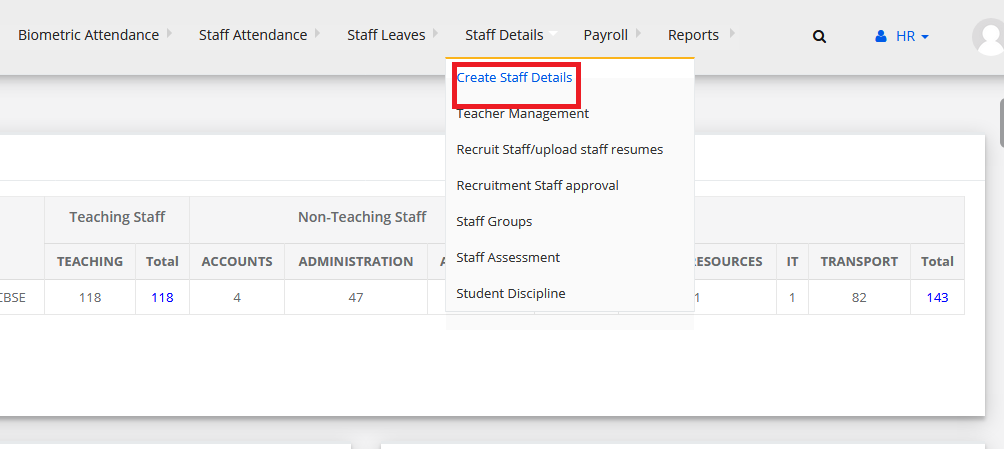
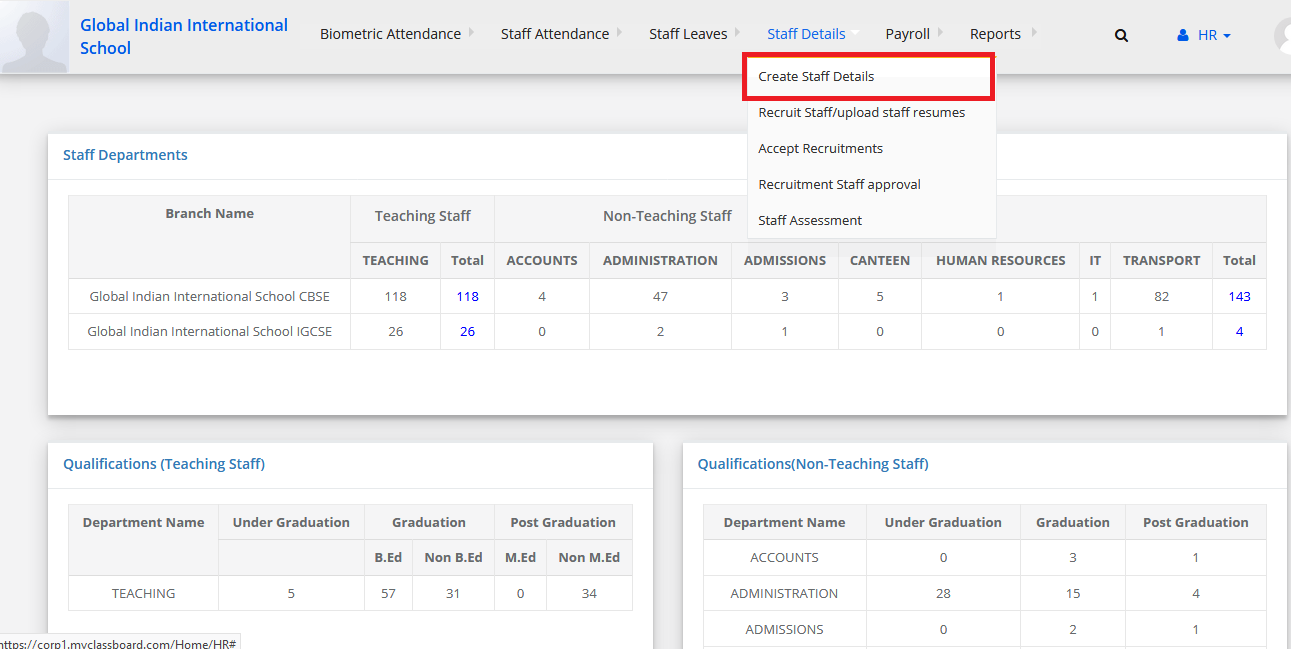
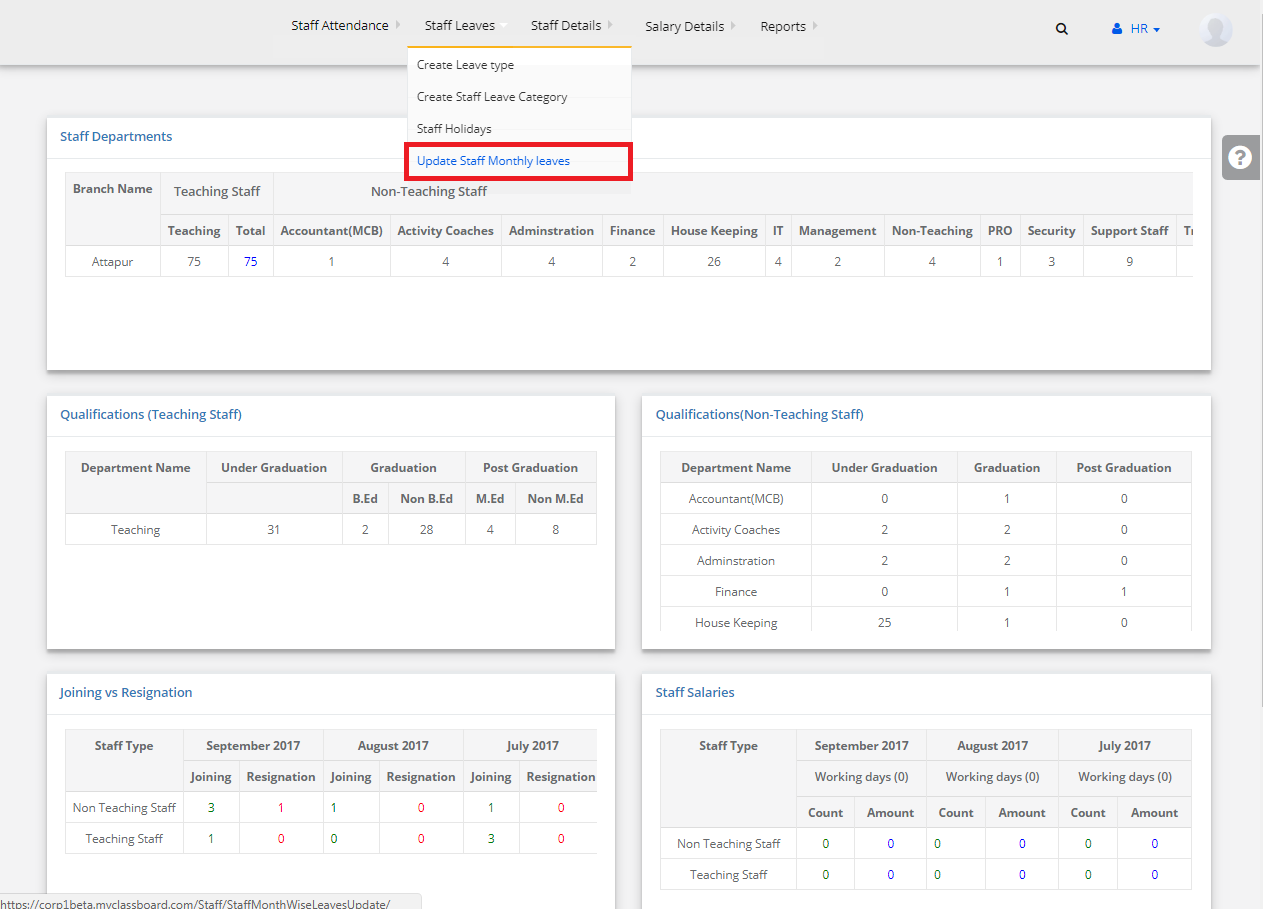
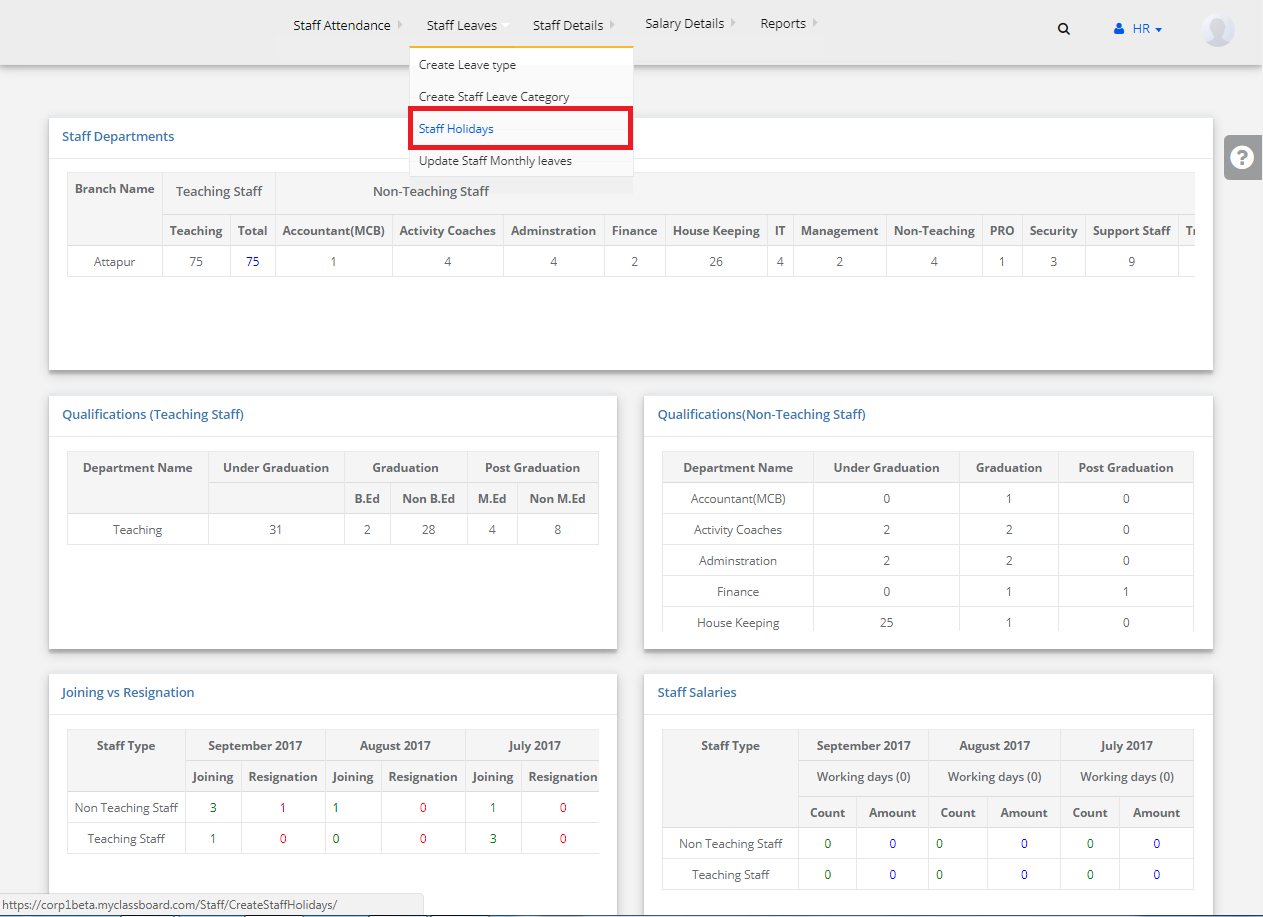
Step 3: Click on Staff Details and select Accept Recruitments
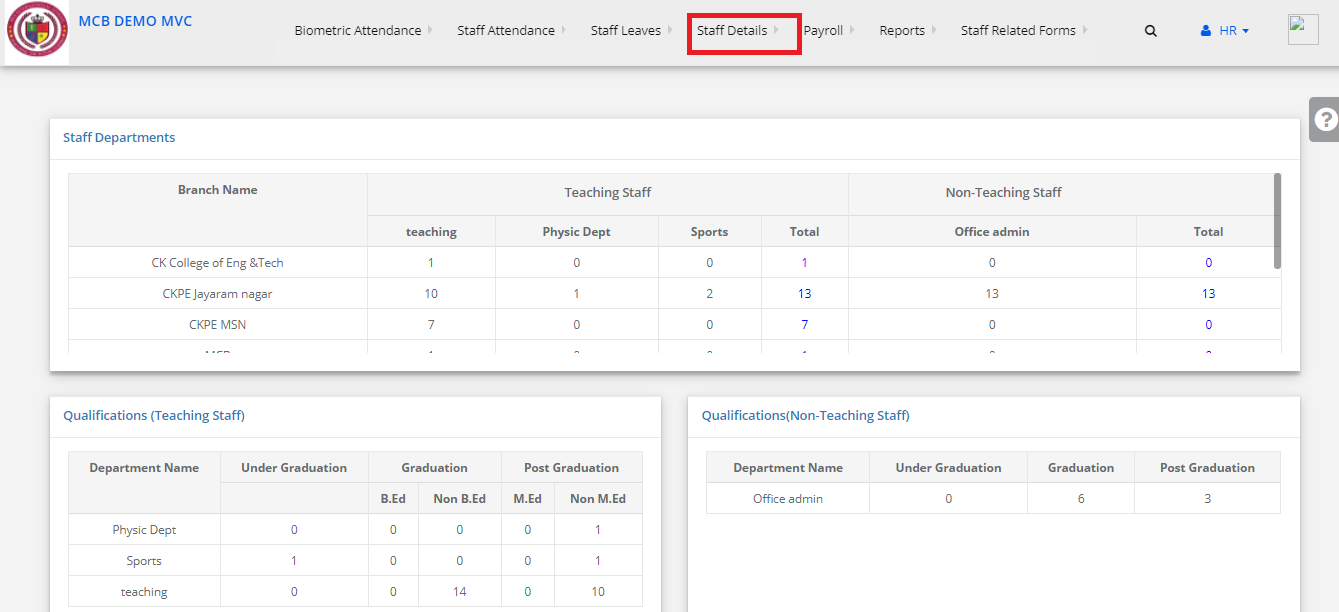
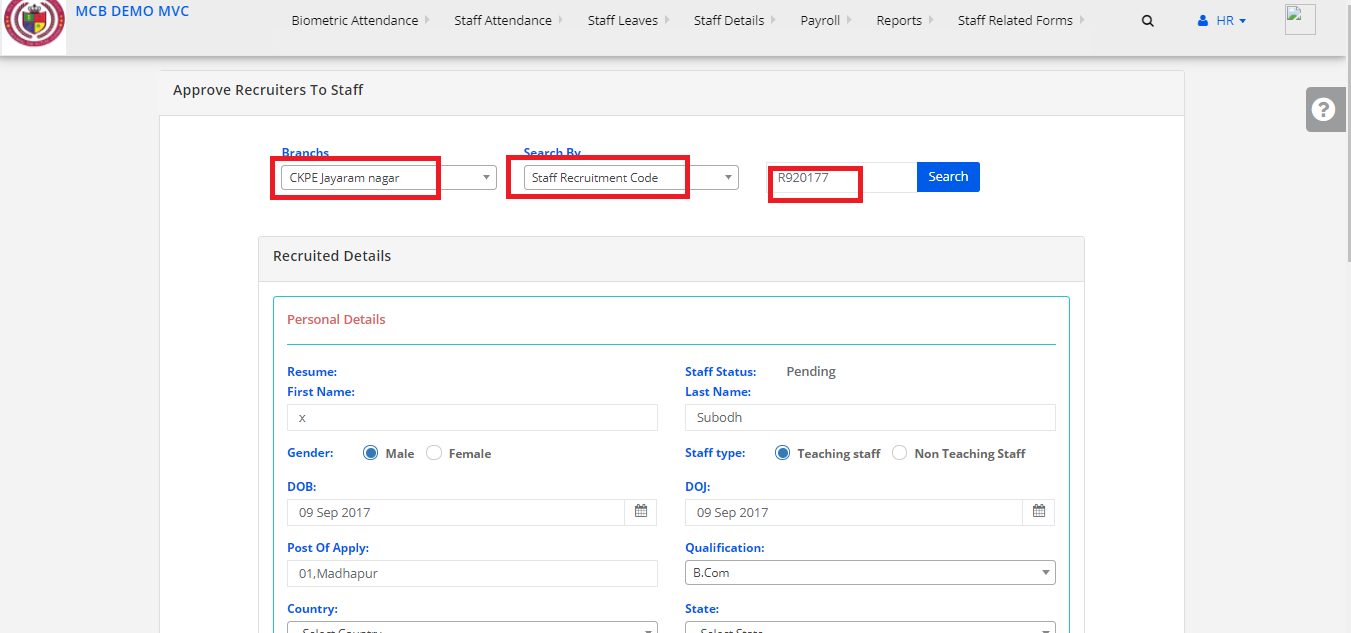
Step 4:
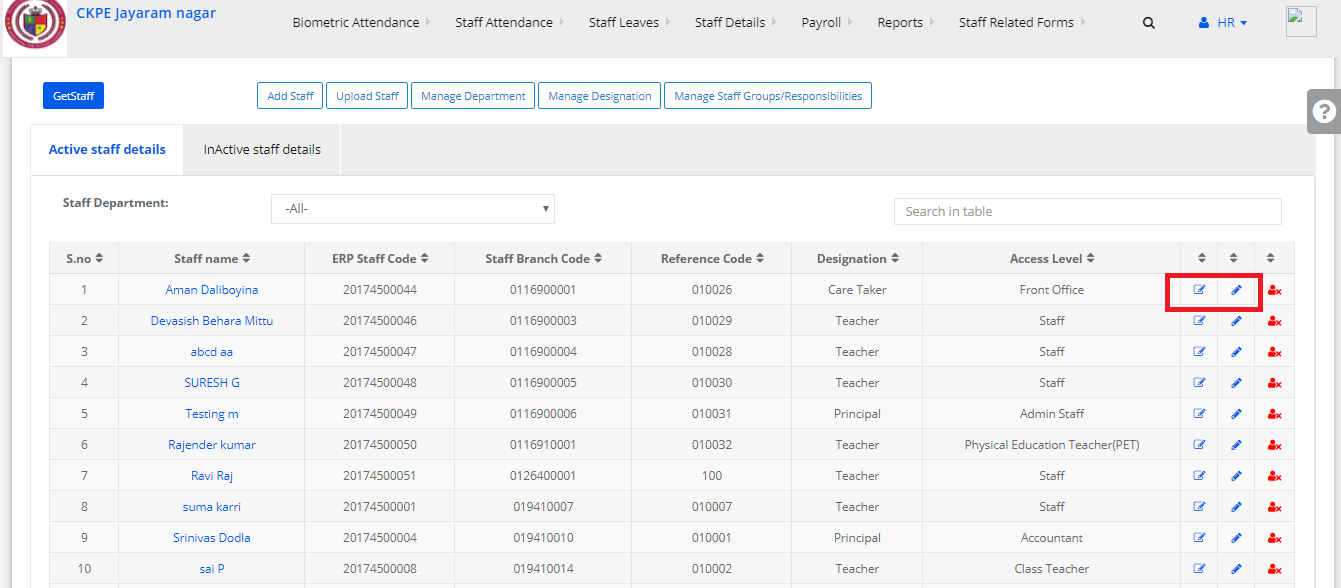
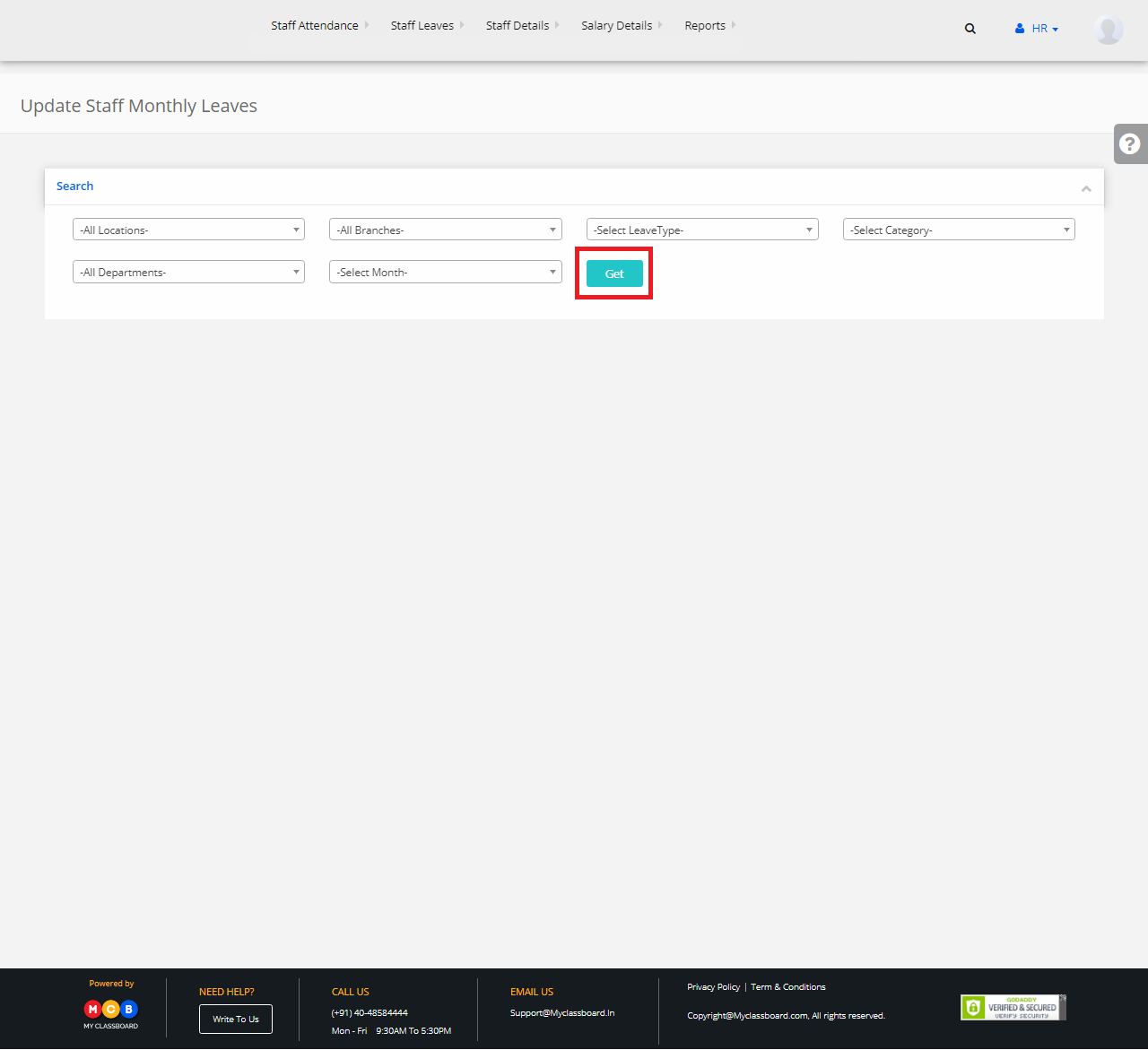
Select branch and search by Staff Recruitment code
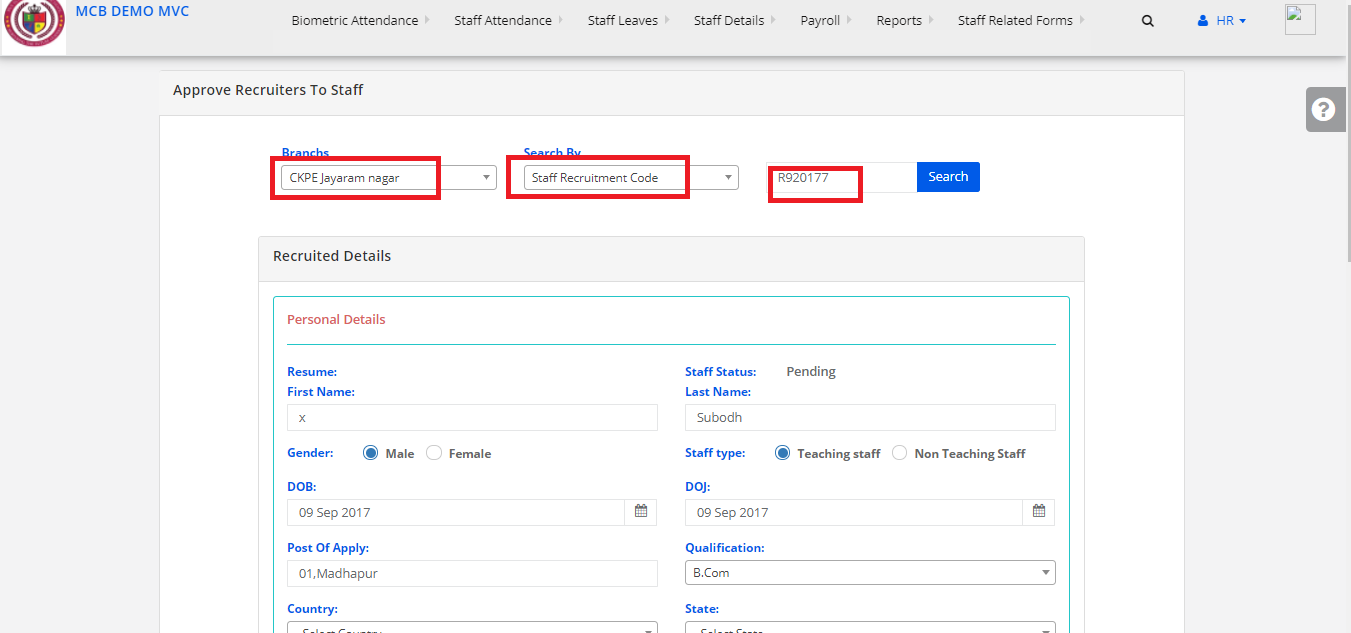
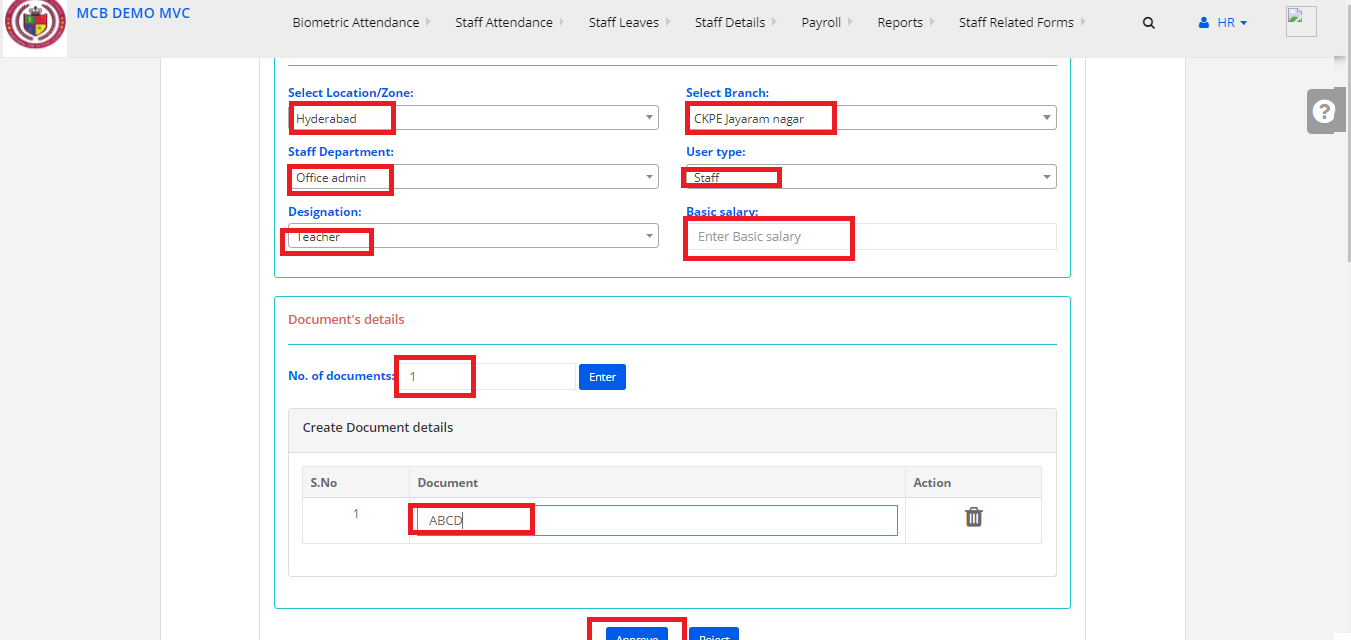
Step 5:
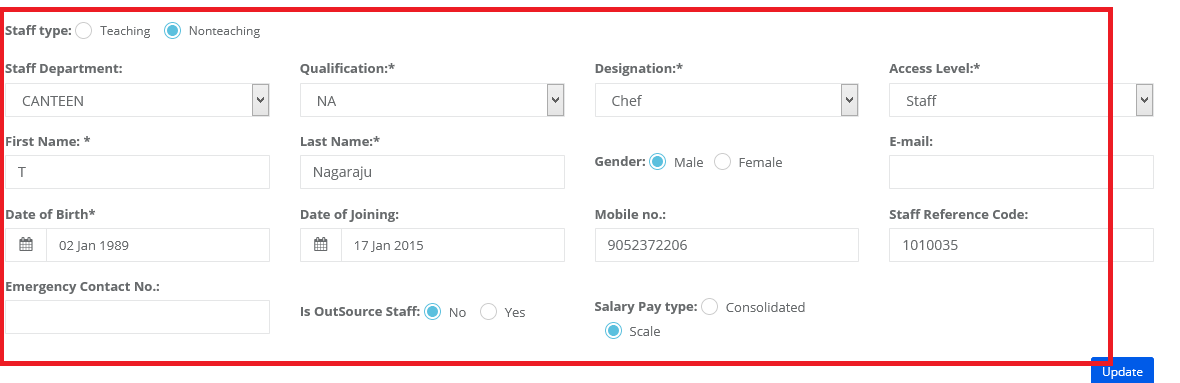
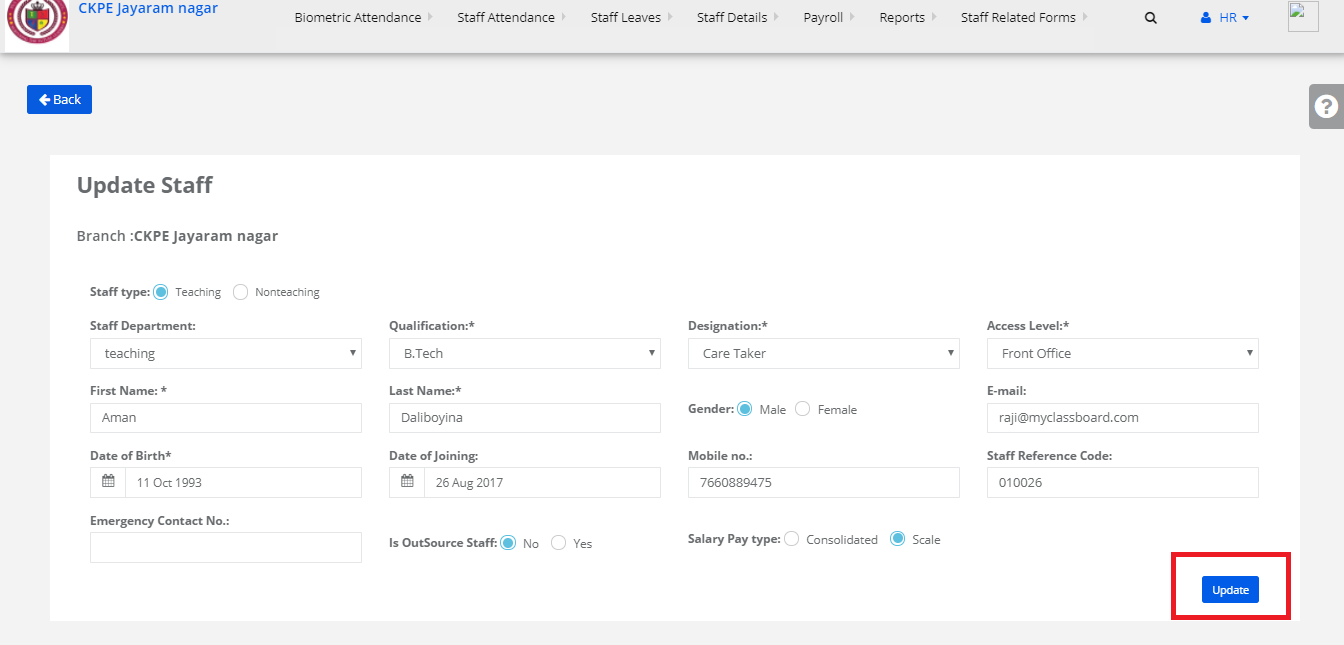
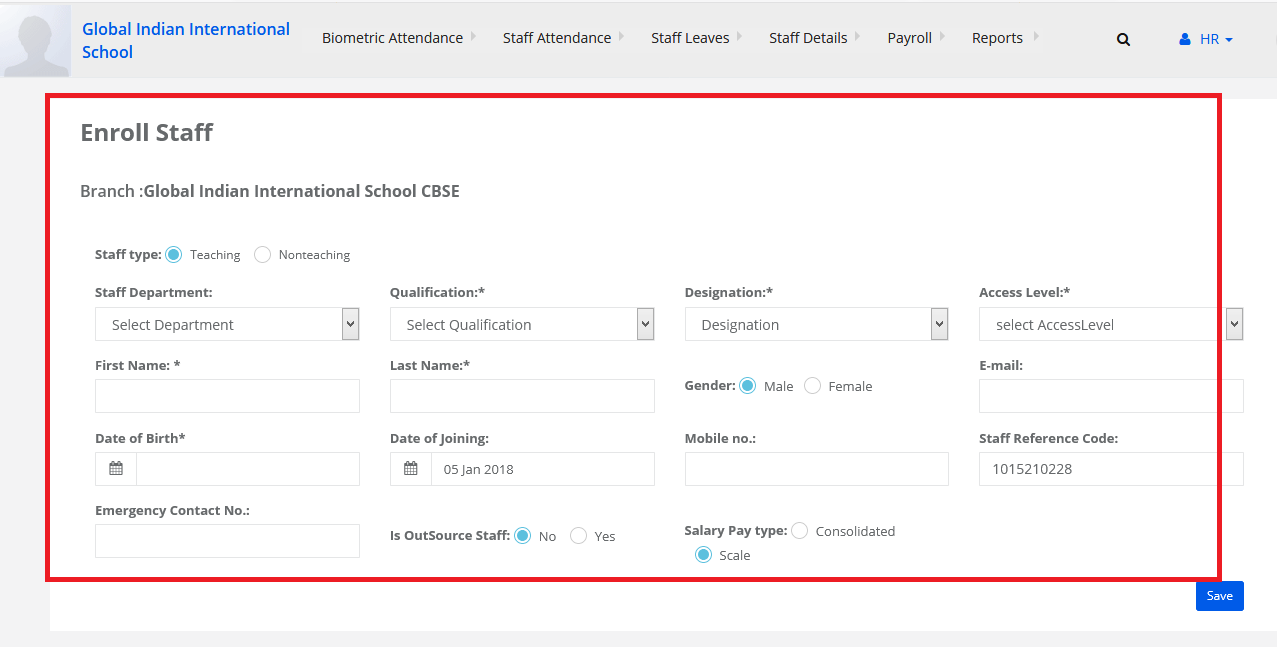
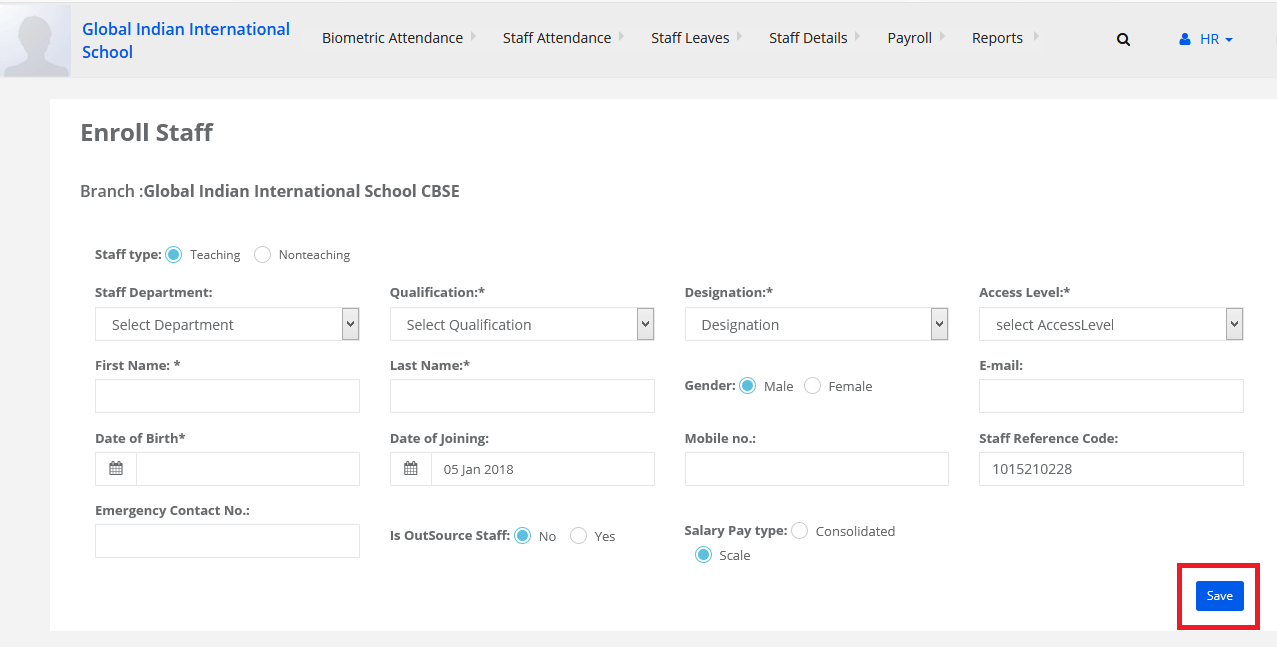
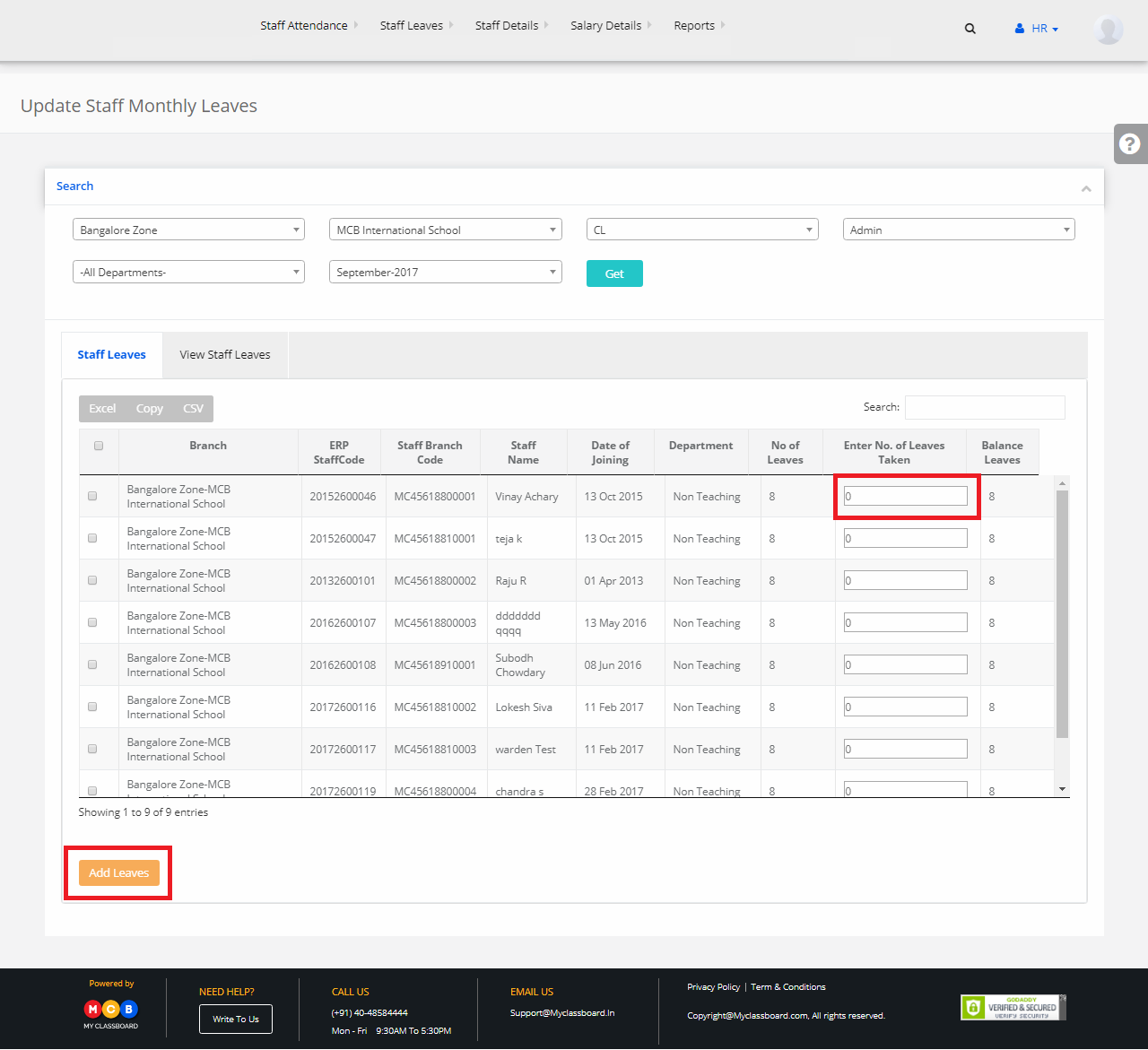
Fill the mandatory fills and approve it.
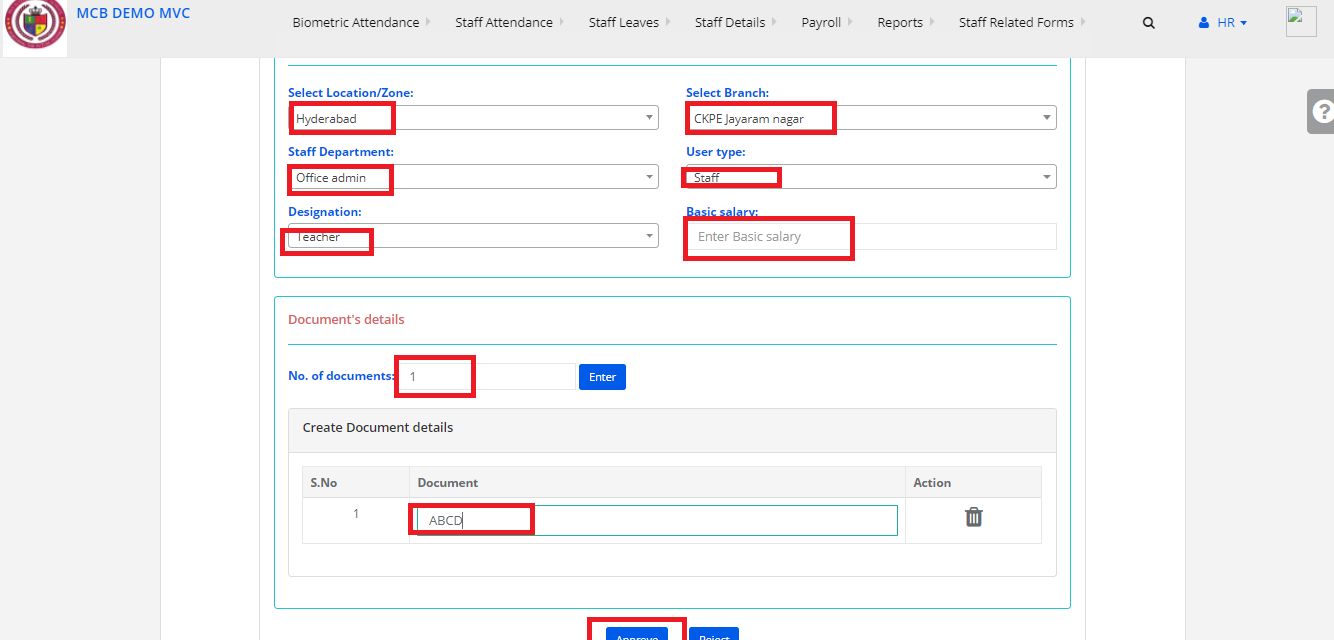
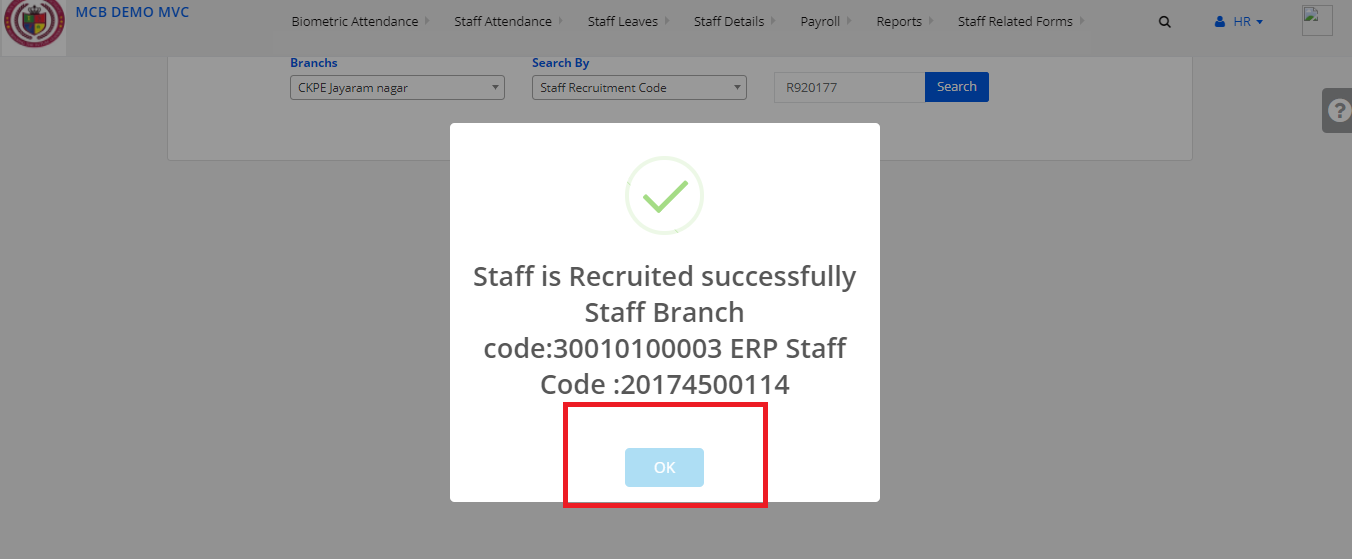
Step 6:
And the Staff is Recruited Successfully.
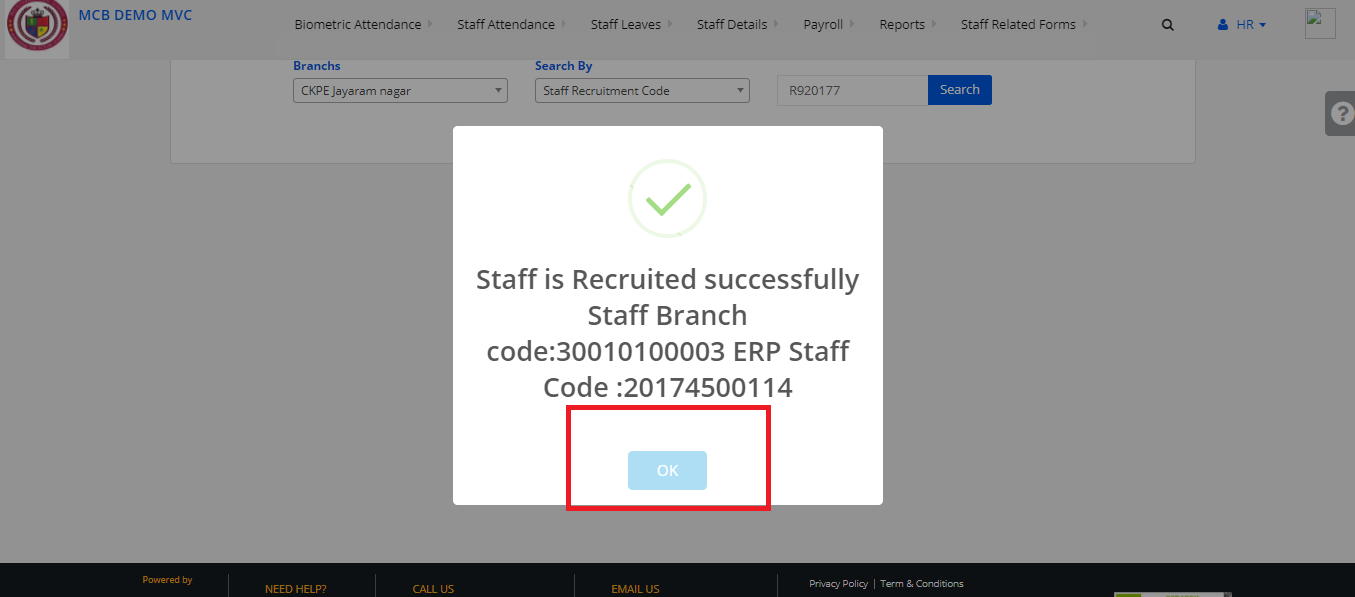
Step 7:
Click on Staff Details and Select Recruitment staff Approval
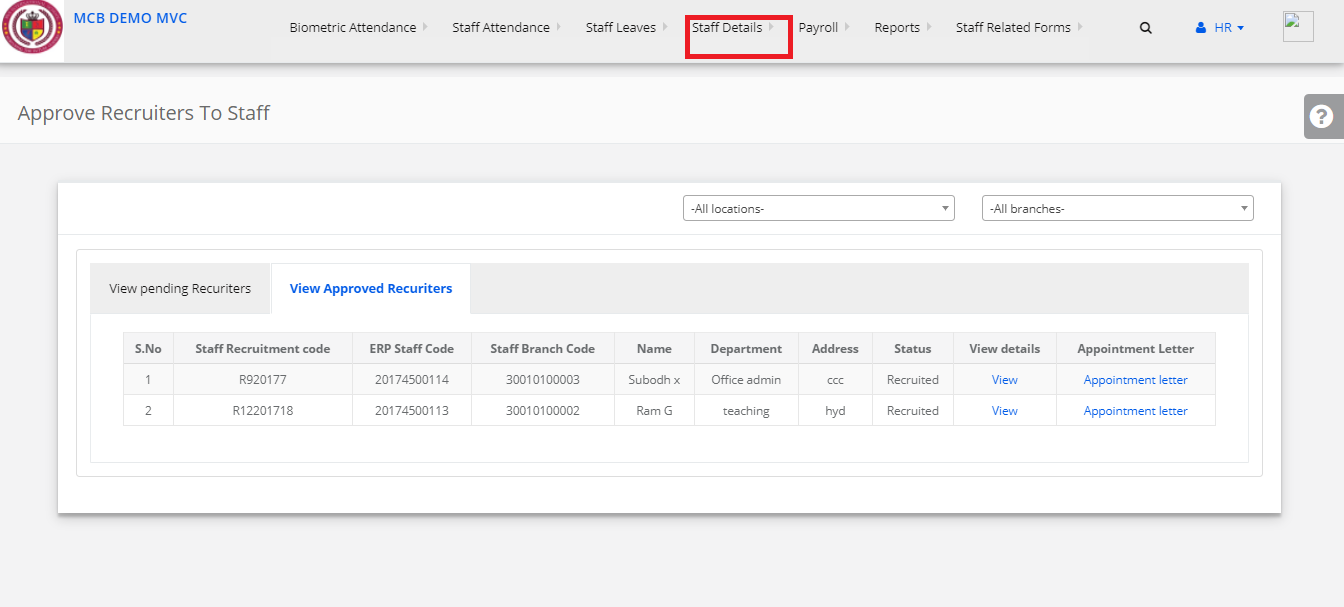
Step 8:
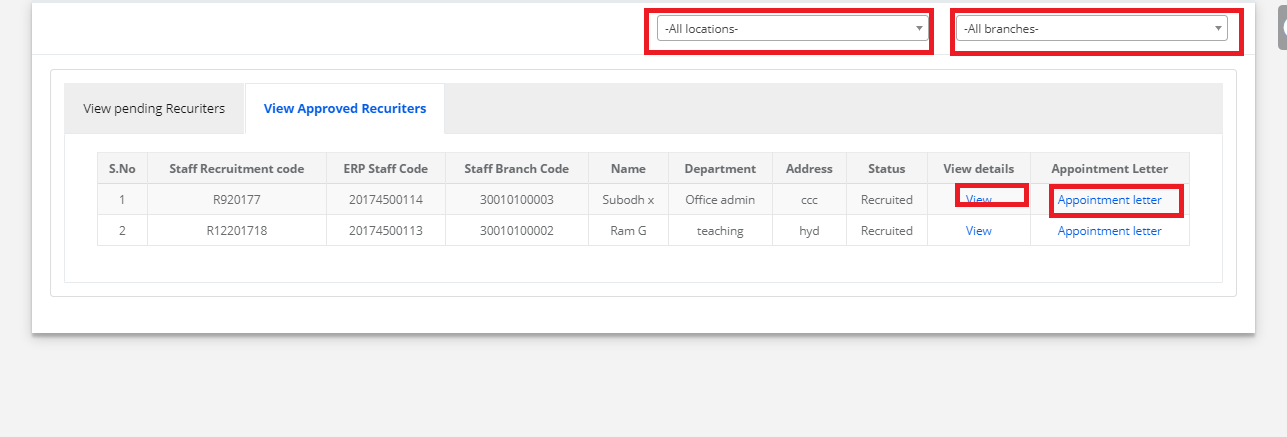
Select Location & Branch Click on Appointment Letter.