Step 1: Login to MCB with Login Credentials.
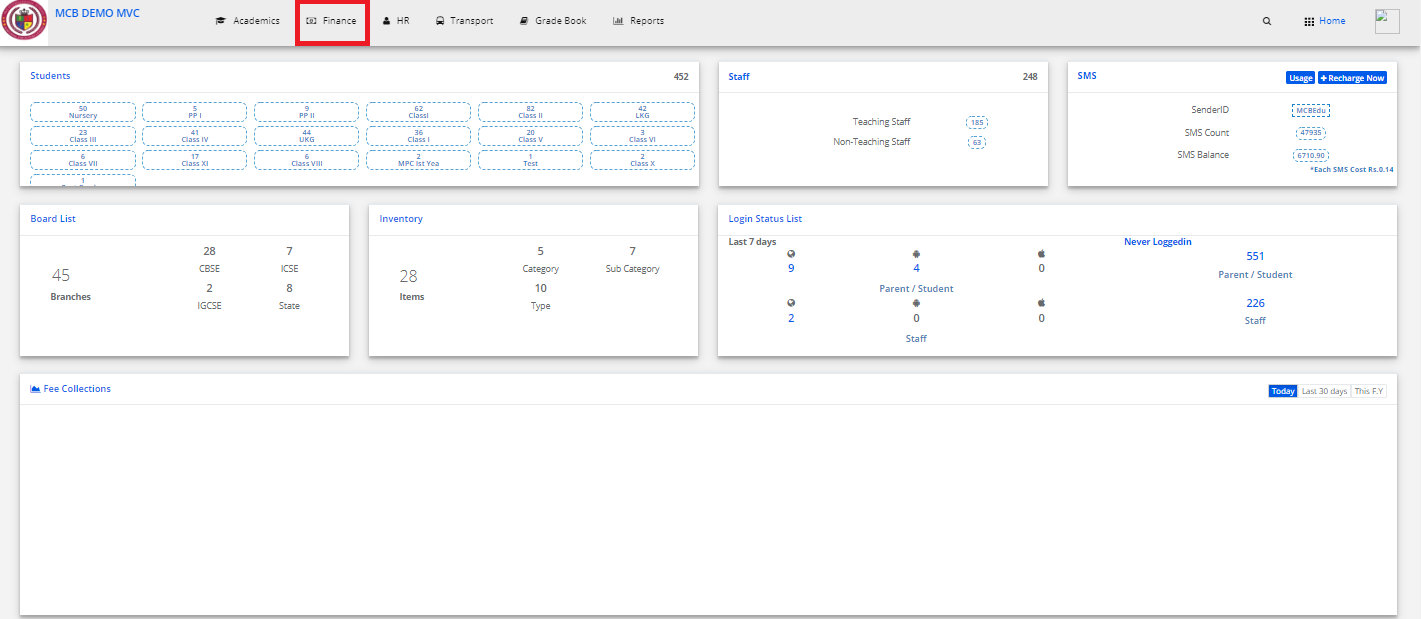
Step 2: Select Finance on the dashboard and you will be directed to the Finance page.
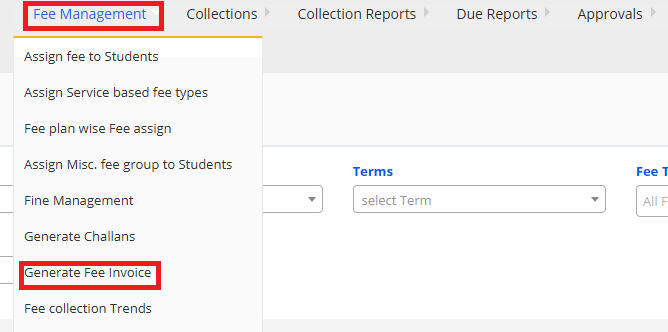
Step 3: In fee management go to generate fee invoice.
Step 4: Fill all the details and click on generate fee invoice.


Step 1: Login to MCB with Login Credentials.
Step 2: Select Finance on the dashboard and you will be directed to the Finance page.
Step 3: In fee management go to generate fee invoice.
Step 4: Fill all the details and click on generate fee invoice.