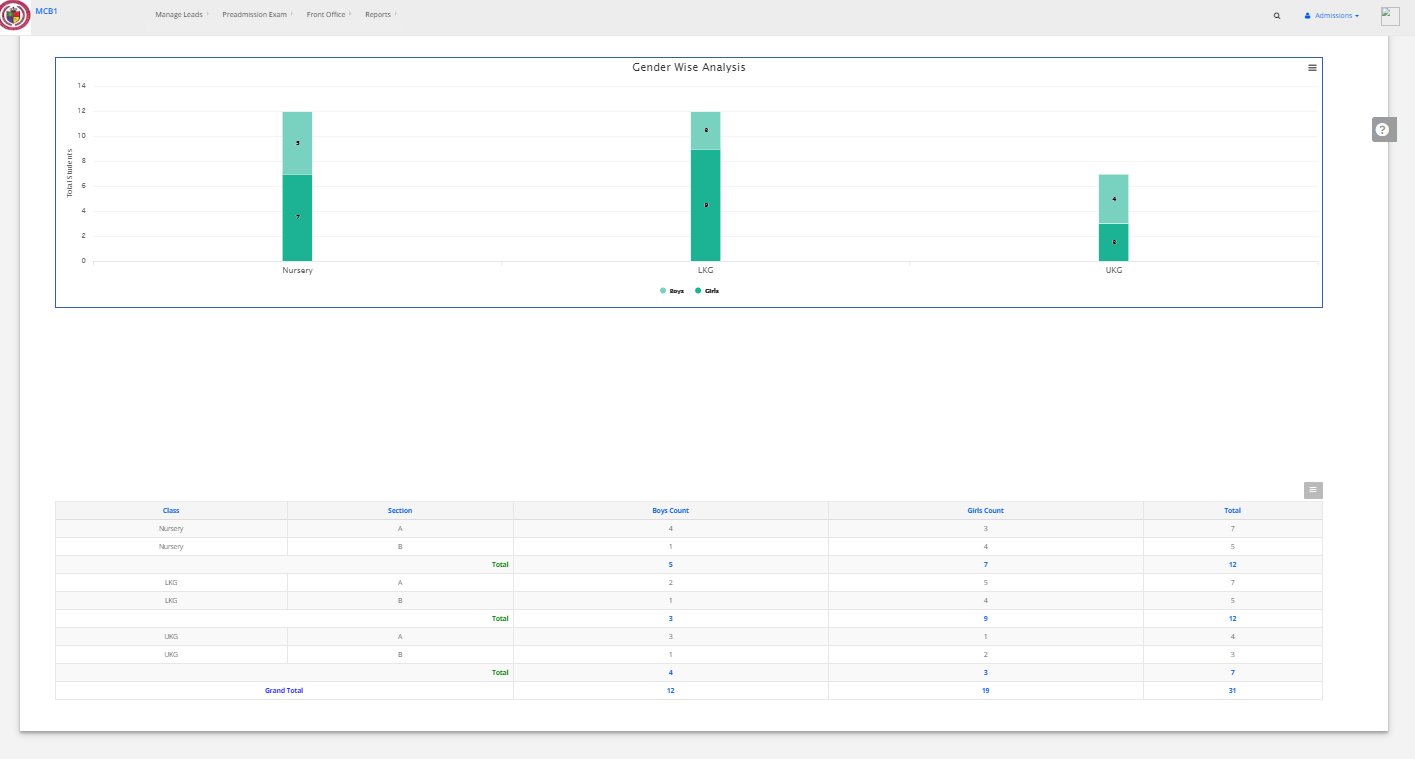
Step 1: Login to MCB with Login Credentials.
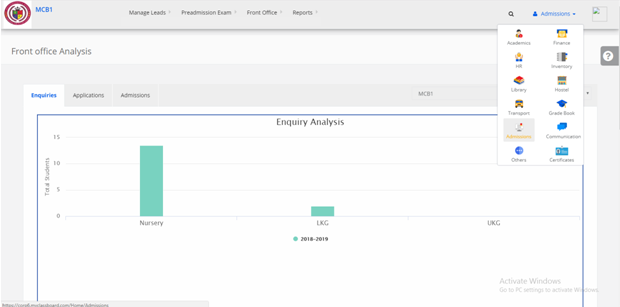
Step 2: Select Admissions on the dashboard and you will be directed to the Admissions page.
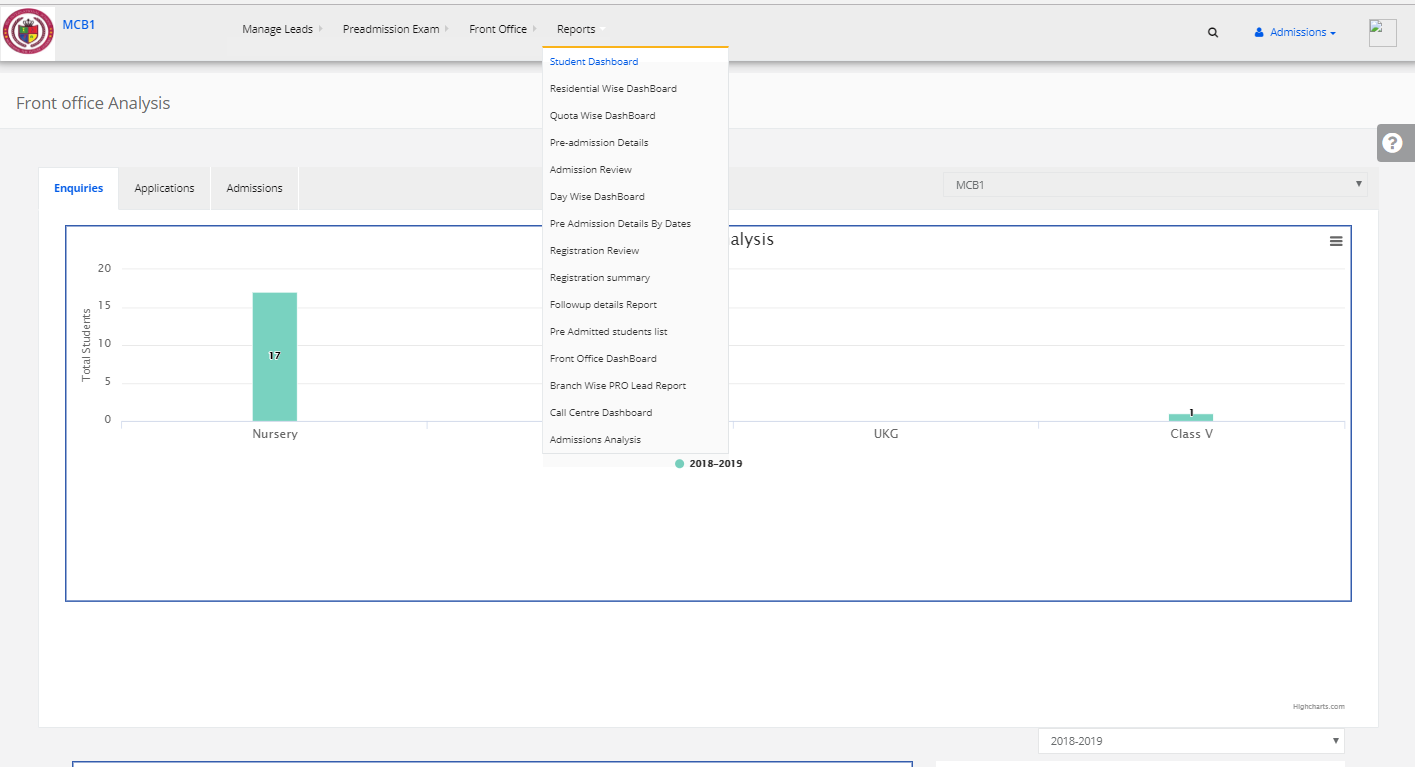
Step 3: Select “Reports” on the top bar and choose “Student Dashboard”.
Step 4: Here you will get the total number of students admitted data.